
Creating a report
Open Reporting in the left-hand sidebar from the main menu.
Select Create Reports.
Select Register Reports
Choose the type of report you want to create.
Complete the required fields.
Add any optional criteria needed to refine the output.
Select Generate report.
Tip
Use the question-mark help option to view a description of the selected report type.
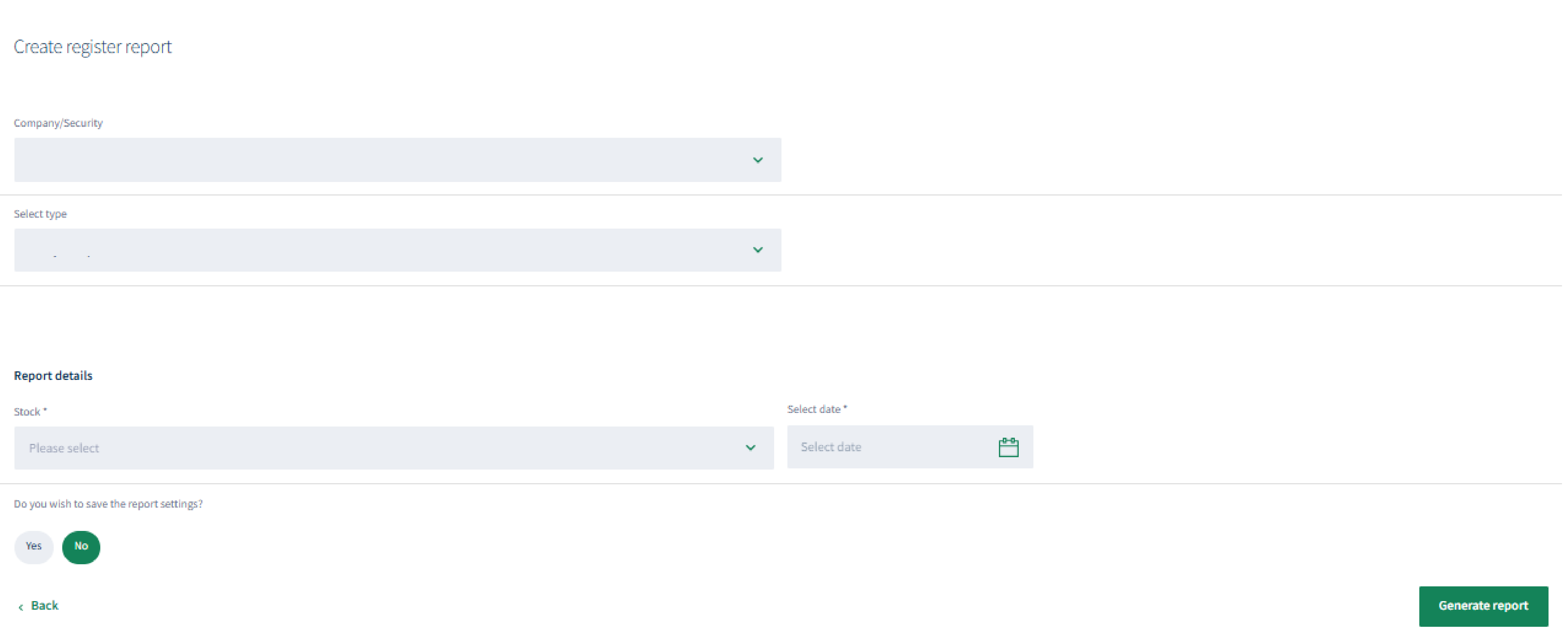
Choose a report type, complete the relevant criteria and generate the output.
To review holders by communication preference.
About
Privacy Policy
Cookie Notice
MUFG Corporate Markets
A division of MUFG Pension & Market Services

We'll also set a temporary cookie to hide this notice.


