
Matching results may show the holder name, Investor Code, address and account designation.
Find the required holder in the results list.
Select the holder name to open their record.
Alternatively, open the holder menu and choose Share classes, Holder details, Dividend information or Personal documents.
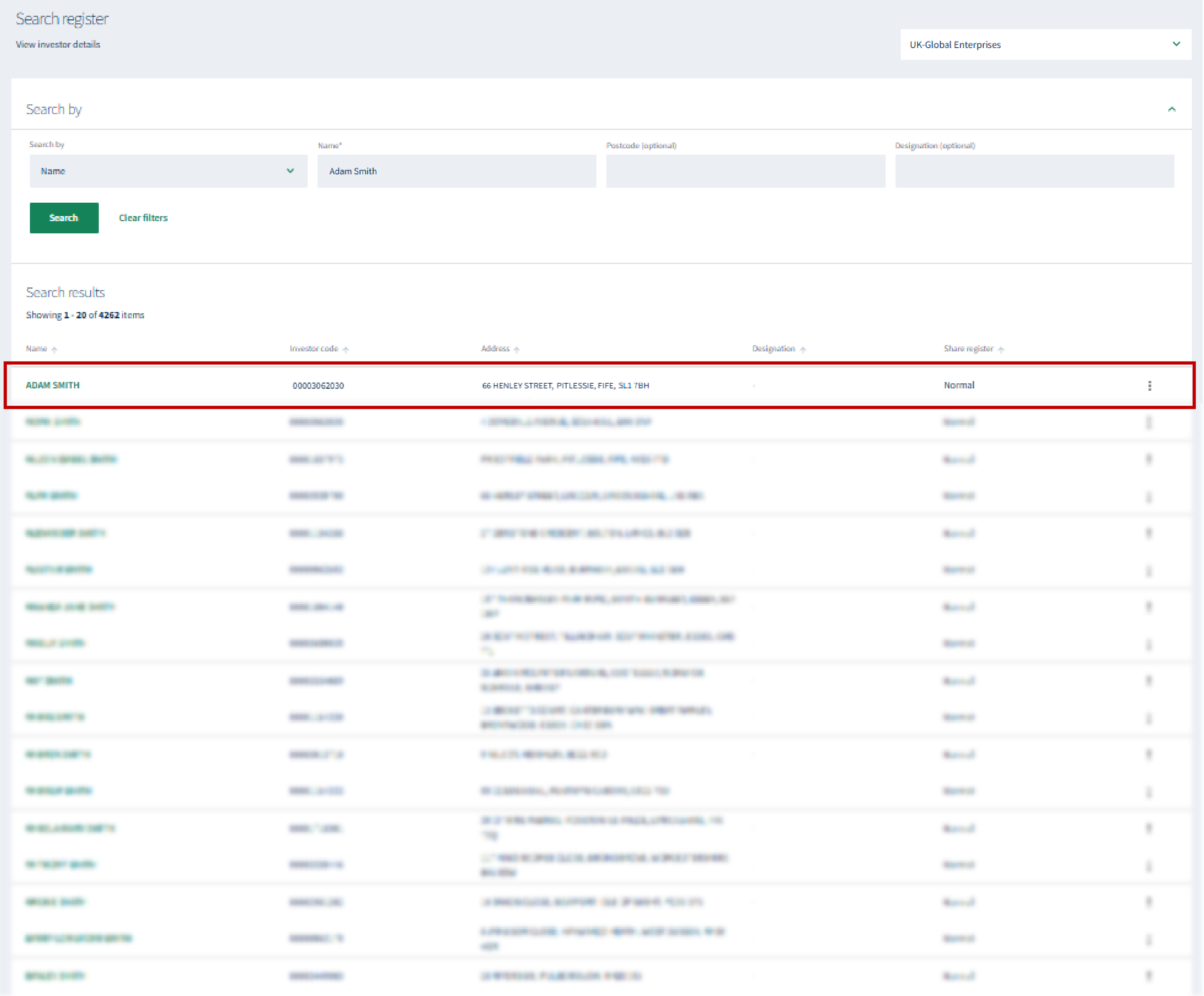
Select a matching shareholder to open the information available for their holding.
Use the most specific identifier available to narrow the results.
Search results reflect the register information and companies available to your account.
Check the Investor Code and address before opening a record where several holders have similar names.
To understand the details available within a shareholder record.
About
Privacy Policy
Cookie Notice
MUFG Corporate Markets
A division of MUFG Pension & Market Services

We'll also set a temporary cookie to hide this notice.


