
The Share classes area shows the registered holdings linked to the selected Investor Code and their total indicative value.
Within a share class, you can review:
Transactions – register transactions recorded against the holding.
Dividends – payments, including amount, payment date, method and status.
Certificates – certificate details held for the account.
Review a share class
Open the required holder record.
Select Share classes.
Choose the relevant registered holding.
Open Transactions, Dividends or Certificates to review the available information.
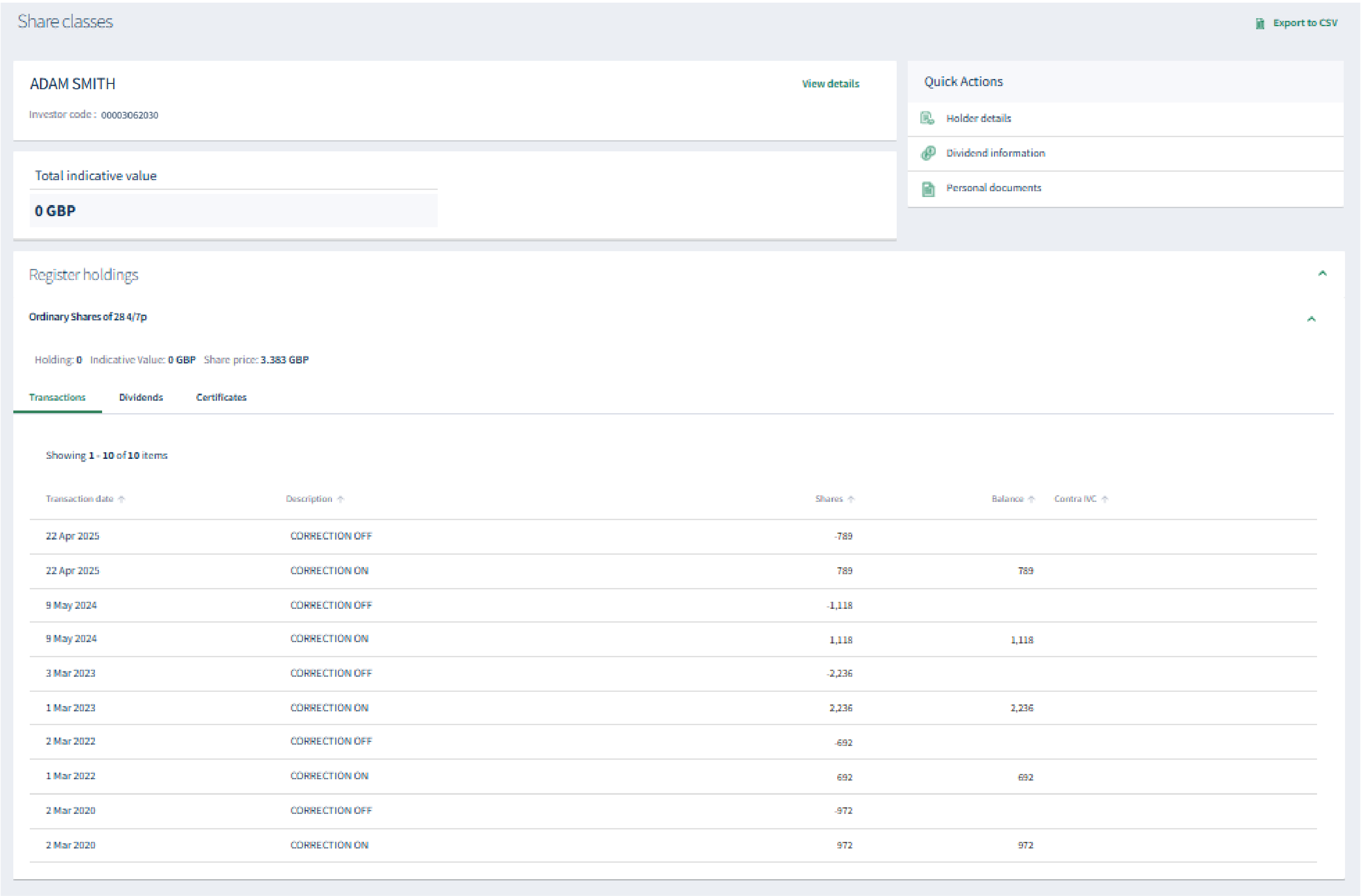
Explore the registered holdings, transactions, dividends and certificates linked to an Investor Code.
About
Privacy Policy
Cookie Notice
MUFG Corporate Markets
A division of MUFG Pension & Market Services

We'll also set a temporary cookie to hide this notice.


