
Choose the company, share class and period you want to review across the Snapshot views.
Select the register you want to review.
Choose an opening and closing date.
Update all Snapshot views with your selection.
Snapshot filters define the information displayed on the page. Data will not appear until you have selected and applied the required filters.
The same selection is used across Issued capital, Holder type, Holding distribution and Geographical distribution.
From the left-hand side bar, open Registry.
Select Snapshot at the top.
Choose the relevant company or stock.
Select the share class, if required.
Apply your selection to display the results.
Your opening and closing dates define the period used to calculate changes in your register.
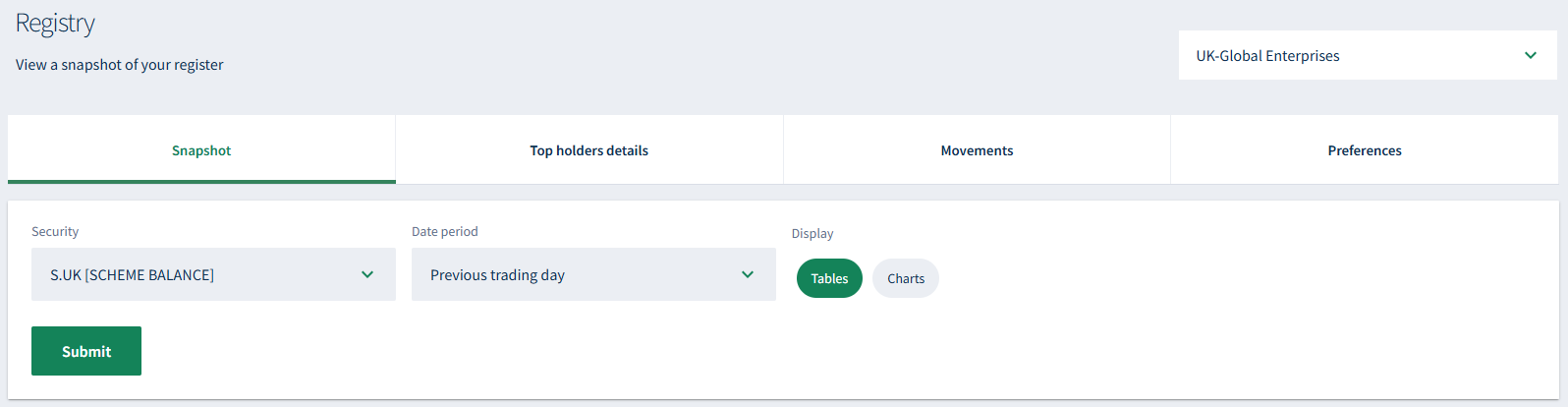
Choose the register and period you want to review.
To compare opening and closing balances and review changes across your register.
About
Privacy Policy
Cookie Notice
MUFG Corporate Markets
A division of MUFG Pension & Market Services

We'll also set a temporary cookie to hide this notice.


